Usage Quotas
Leezy meters one thing: message credits. Everything else an agent does is included.
How Messages Are Counted
Each conversation exchange costs 2 message credits:
- 1 for the visitor's question
- 1 for the agent's reply
Example: a visitor asks 5 questions and gets 5 answers — 10 credits used.
The cost is per response, not per action. If the agent searches your knowledge base, scores the lead, and books a meeting inside a single reply, that reply still costs 1 credit.
Message Limits by Plan
| Plan | Messages/Month |
|---|---|
| Free | 100 |
| Starter | 2,000 |
| Pro | 10,000 |
| Business | 40,000 |
Limits are organization-wide. All agents in your organization draw from the same pool.
AI Actions Are Not Metered
Earlier versions of Leezy charged a separate "AI action" quota for each tool an agent executed. That meter has been removed. Lead qualification, ticket creation, contact capture, availability checks, meeting bookings, and product lookups no longer consume a separate allowance on any plan.
:::info What Changed If you previously planned around an AI action budget, you no longer need to. Plan around message volume only. :::
Plan tier still governs which agents and models you can use — see Plans.
Checking Your Usage
Dashboard
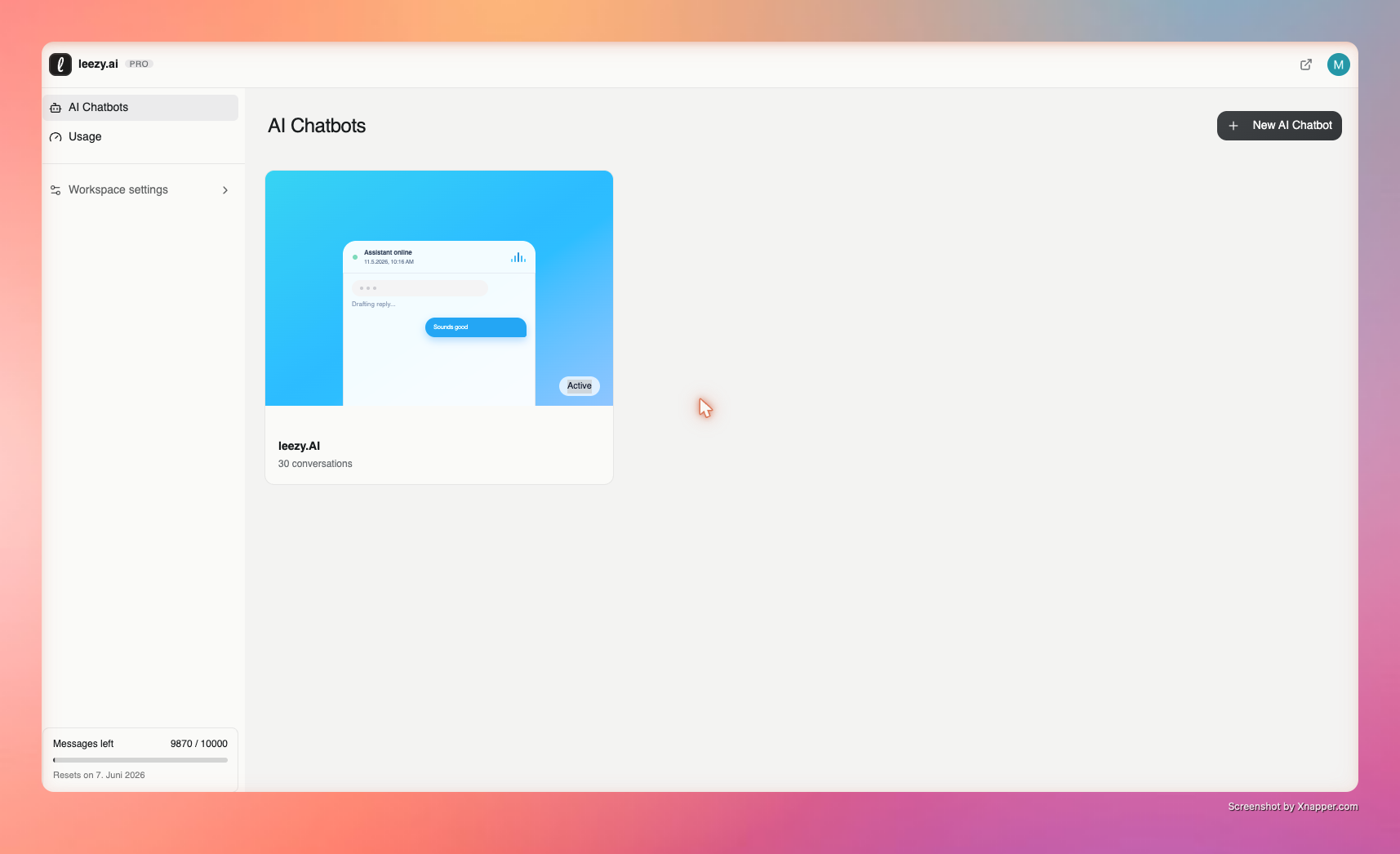
Your current usage is displayed in the dashboard sidebar:
- Messages used against your limit
- Days until reset
Detailed Usage
- Go to Usage
- View consumption by agent
- Filter by date range
- See daily trends
Quota Indicators
| Colour | Status |
|---|---|
| Green | Under 80% used |
| Amber | 80–100% used |
| Red | Limit reached |
What Happens at the Limit
When your organization reaches its message limit:
- Agents stop responding to new visitor messages
- The widget stays visible and shows a limit notice
- Your dashboard, data, and settings remain fully accessible
Nothing is deleted, and service resumes at the next reset or as soon as you upgrade.
Quota Reset
Paid Plans
Quotas reset at the start of each billing cycle. Your billing date is shown in Settings > Billing.
Free Plan
Quotas reset on a rolling 30-day period, anchored to when the period started. Reset is automatic — no action required.
Playground Mode
:::tip Test Without Using Quota The Playground does not consume message credits. Use it freely for testing prompts, models, and agent behaviour. :::
Reducing Consumption
- Train well. Accurate, well-structured sources mean fewer clarifying exchanges.
- Use Q&A pairs for your highest-frequency questions so answers land on the first try.
- Write a focused system prompt. Concise answers reduce follow-ups.
- Watch the trend, not the day. Check Usage weekly rather than reacting to single spikes.
Next Steps
- View Plans — compare plan options
- Manage Subscription — upgrade or change plan
- Usage Analytics — detailed usage data