
Search and activate
Inside the WordPress admin, go to Plugins · Add new, search for “leezy AI Chatbot”, click Install, then Activate. The plugin appears under the standard Plugins panel and can be updated like any other.
Install the official leezy plugin from the WordPress directory, paste your chatbot ID, and the widget goes live on every page.
The plugin follows the standard WordPress install flow: no custom installer, no file uploads, no .htaccess edits. Below: the full path from the admin search box to a live chatbot on every page.
Inside the WordPress admin, go to Plugins · Add new, search for “leezy AI Chatbot”, click Install, then Activate. The plugin appears under the standard Plugins panel and can be updated like any other.
Copy the chatbot ID from the leezy dashboard and paste it into the plugin settings. The widget is now connected to a specific chatbot, including its training data, tools, and language.
Pick a widget position, confirm consent-mode behaviour, and save. The widget loads on every public page, respects the site's cookie banner, and writes nothing to the theme.
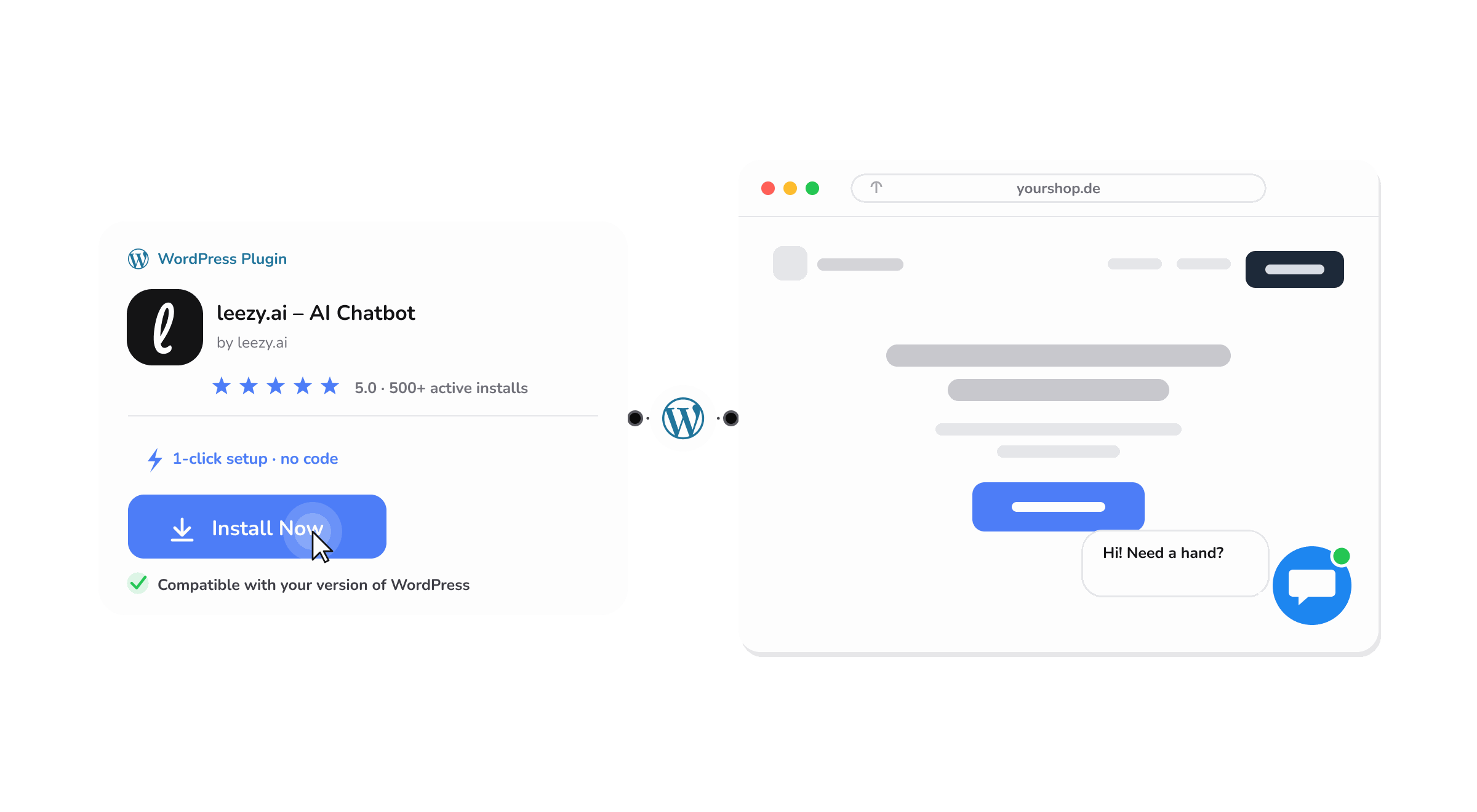
End-to-end: under a minute. No FTP, no code editor, no child theme required: the same install experience as any plugin from the official directory.
Most chat widgets are a generic embed script dropped into a WordPress site. This plugin is written against WordPress conventions (hooks, options API, REST, block editor) so it behaves like a native part of the stack.
No template overrides, no functions.php edits. The widget is injected via standard wp_footer/wp_head hooks and renders cleanly inside Astra, GeneratePress, Divi, Blocksy, Kadence, OceanWP, Neve and every Twenty-* default theme.
The plugin ships a dedicated WooCommerce mode: the agent can read product pages, surface product data in replies, and pick up order status from a logged-in customer, without writing a single integration.
The widget language follows the active language set by Polylang, WPML, TranslatePress, or Weglot. No double configuration: the chatbot speaks the same language as the page it is on.
The widget is injected after render and loaded asynchronously, so it survives full-page caching in WP Rocket, LiteSpeed Cache, W3 Total Cache and WP Super Cache without forcing cache-busting rules.
Install network-wide or per-site. Each site can point to its own chatbot ID, ideal for a publisher with multiple brands on the same install or an agency running many client sites.
Conversations and training data are stored in the EU (Frankfurt) at rest. The widget is consent-mode aware out of the box and integrates cleanly with Complianz, CookieYes, Cookiebot and Borlabs Cookie. The AI processing used is disclosed in the privacy policy.
The plugin exposes its full configuration under Settings · leezy AI. Nothing lives in external dashboards that admins can't find. Values are stored in the standard options table and respected on every page render.
Chatbot ID, display name, avatar image. The plugin maps one WordPress site to one chatbot (or many, on multisite).
Trigger conditions (time on page, scroll depth, exit intent), default greeting, escalation rules for when a ticket goes to your team.
Widget position, brand colour, light/dark mode override, pre-defined quick replies, mobile-specific behaviour.
Consent-mode source (Complianz, CookieYes, custom), data retention window, geographic hosting, IP anonymisation.
Short, direct answers to the questions that come up within the first hour of installing the plugin. If something is missing, the team reads every support ticket, so drop a question at the bottom.
No. The widget uses standard WordPress hooks (wp_footer and wp_enqueue_scripts) and injects its own CSS scoped to an isolated container. Tested across all default Twenty-* themes and every major third-party theme including Astra, GeneratePress, Divi, Blocksy, Kadence, OceanWP, and Neve.
Yes. The plugin can be network-activated or activated per site. Each site in the network can point to a different chatbot ID, which is useful for agencies running many client sites or publishers with multiple brands on one install.
No. The widget is loaded asynchronously after the page has rendered, so full-page caches from WP Rocket, LiteSpeed Cache, W3 Total Cache, WP Super Cache, and FlyingPress serve the page without needing cache-busting rules. Object-cache setups work without configuration.
The injected bundle is ~24 KB gzipped, loaded with defer and lazy-instantiated on first interaction. Core Web Vitals scores are unaffected in typical installs: LCP stays flat, INP remains well under 200 ms.
Yes. The widget reads the active language set by Polylang, WPML, TranslatePress or Weglot and serves the corresponding chatbot language without any extra configuration. The language can also be hard-pinned in the plugin settings when needed.
Yes. A dedicated WooCommerce mode lets the chatbot read product data, surface product cards inside replies, and answer order-status questions for logged-in customers. The widget is hidden on the checkout page by default to avoid distractions at the point of conversion.
Consent-mode is enabled by default. The widget waits for explicit consent from the active banner (Complianz, CookieYes, Cookiebot, Borlabs Cookie or a custom solution) before loading any conversation storage. Without consent, the widget either stays inactive or runs in a no-storage mode.
Deactivating the plugin removes the widget immediately. Uninstalling via the admin's “Delete” action clears all plugin options from the database. No files or database entries are left behind.
Still unsure? Ask a specific question .
Free to install, free tier included. The plugin is published on WordPress.org, reviewed by the plugin review team, and signed by the leezy organisation.