Train your AI agent on your Notion workspace

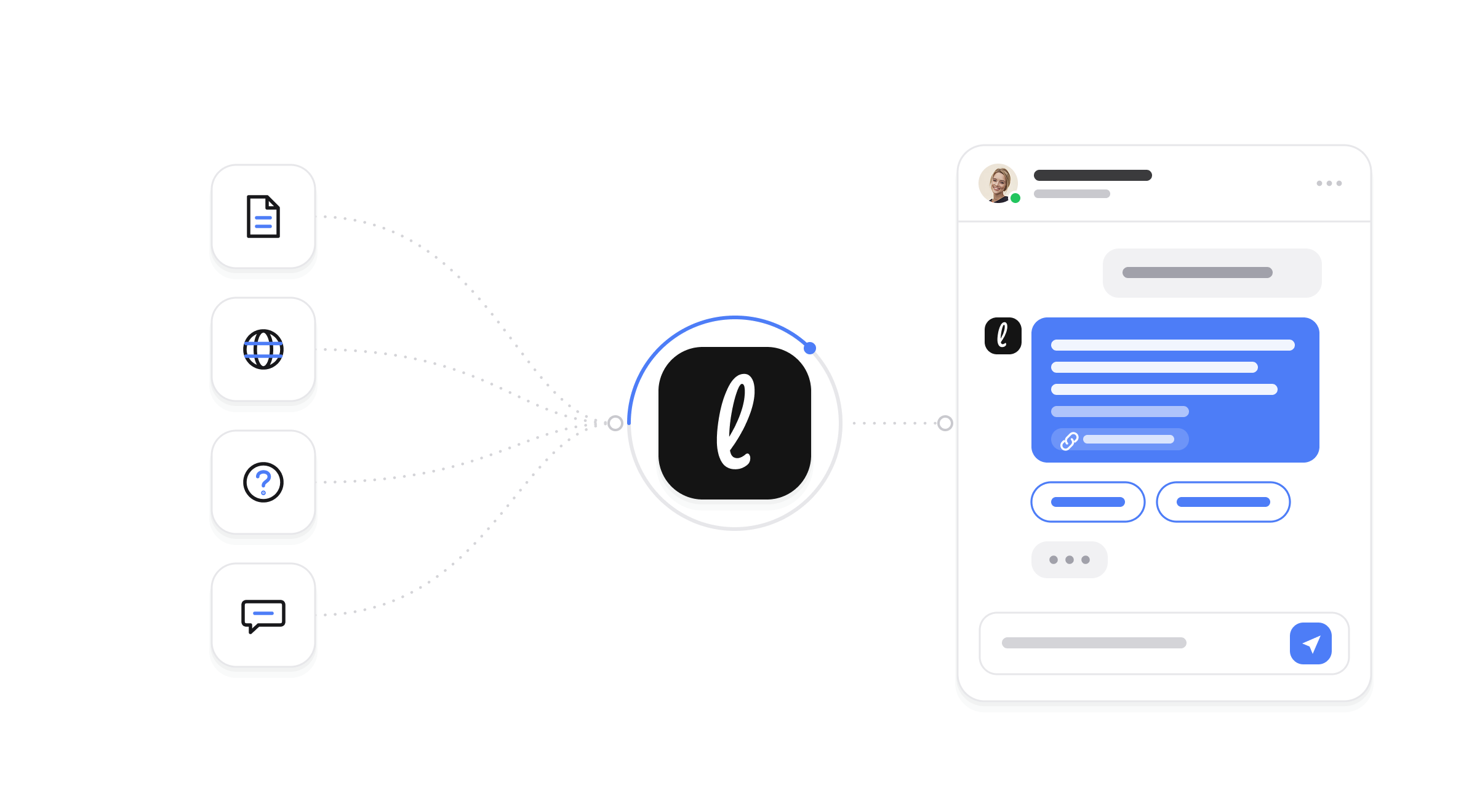
Most teams we work with already have the answers written down. They live in Notion: the help articles, the internal how-tos, the product notes, the policies everyone refers to. The knowledge is not missing. It is just trapped in a place customers cannot reach and staff have to dig through.
You can now connect Notion to Leezy.ai and train your AI agent directly on that workspace. You pick the pages you want, the agent learns from them, and the knowledge your team has already written becomes answers people can get instantly.
Why the source matters more than the model
An AI agent is only as good as what it knows. A capable model with nothing specific to draw on gives generic, hedged answers. The same model grounded in your actual documentation gives precise ones. The difference is entirely in the source material.
For most businesses, the best source material already exists and is already maintained. If your team keeps its knowledge in Notion, that is where the current, correct version of an answer lives. Training the agent on it means you are not writing anything new or maintaining a second copy. You are pointing the agent at the truth you already keep up to date.
What the integration does
The Notion integration is built to be selective and to stay current, because both matter for a knowledge source:
- Connect your workspace. You authorize Notion once, and Leezy.ai can see the pages you grant it.
- Choose exactly what to import. You browse your pages and select the ones the agent should learn from. Not everything in a workspace is meant to be customer facing, so you decide what is in scope rather than importing the whole thing blindly.
- Re-sync to stay current. Notion content changes. When you update a page, you can re-sync so the agent learns the new version, which keeps its answers aligned with what your documentation actually says today.
- See what is connected. The agent's knowledge is transparent: you can see which pages were imported and when they were last synced.
That combination, selective import plus re-sync, is what makes Notion a trustworthy source rather than a one-time dump that quietly goes stale.
What a business gets out of it
Answers that match your documentation. When the agent is trained on your Notion pages, its answers reflect what your team actually wrote, not a guess. That is the whole point of grounding, and it is what makes automated answers safe to rely on.
No duplicate knowledge base to maintain. You keep editing Notion the way you already do. There is no separate content system to keep in step, which is usually where knowledge bases fall out of date.
Faster answers for customers and staff alike. The same knowledge can power customer support on your website and quick internal lookups. Instead of someone searching Notion for the right page, they ask and get the answer.
Content that improves over time. As your team refines its Notion docs, the agent gets better with a re-sync. Your documentation and your agent improve together instead of drifting apart.
Keeping answers accurate
A knowledge agent has one job above all: do not confidently state something that is not true. Two things here protect that. The agent answers from the pages you imported, so it is grounded in your own material rather than the open internet. And because you can re-sync, you are not stuck with a stale snapshot from the day you first connected. When your policy changes in Notion, a re-sync brings the agent in line.
This is the same grounding principle behind everything the agent does, whether it is answering on your website, qualifying a lead, or supporting your team. If you want to see how that plays out for support specifically, the customer support agent page goes deeper.
Setting it up
Connecting Notion happens in the dashboard, under your chatbot's sources. You authorize the workspace, choose the pages to import, and the agent trains on them. When your documentation changes, come back and re-sync. The integrations page lists Notion alongside the other sources and channels, and the documentation walks through connecting and syncing step by step.
If you have not built an agent yet, Notion is a great place to start, because it likely holds most of what you would want the agent to know on day one.
Frequently asked questions
Does it import my whole Notion workspace? No. You choose exactly which pages to import, so you control what is in scope and what stays private.
What happens when I update a page in Notion? You can re-sync so the agent learns the updated version. That is what keeps its answers aligned with your current documentation.
Can I see what the agent was trained on? Yes. You can see which pages were imported and when they were last synced, so the agent's knowledge is transparent rather than a black box.
Will it answer from anything other than my content? The agent answers grounded in the pages you imported, which is what keeps its answers accurate to your business.
If your team's knowledge already lives in Notion, connecting it is the shortest path to an agent that answers correctly from day one. You can start free, no credit card required, connect your workspace, and turn the documentation you already maintain into instant answers.