Route leads and human handoffs straight into Slack

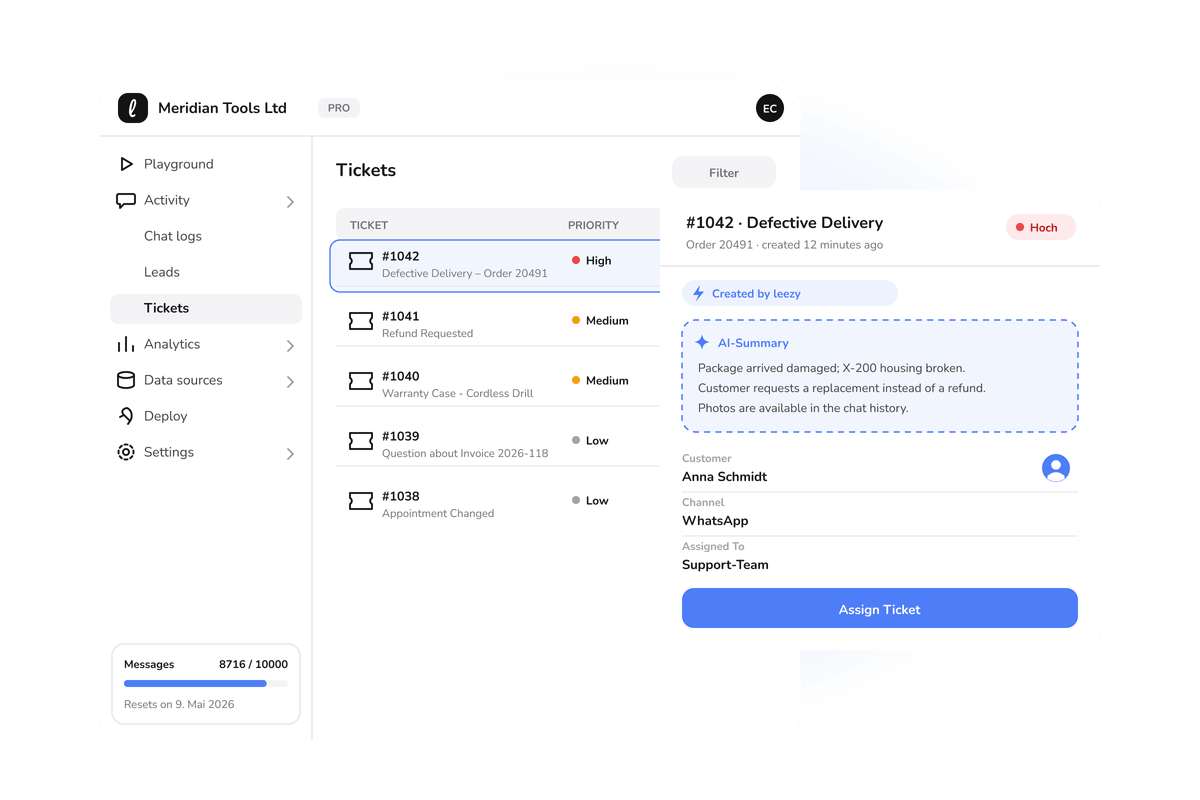
The most common way an AI agent lets a team down is not a bad answer. It is a good conversation that nobody follows up on. The agent qualifies a lead, or a customer asks for a person, and that signal lands somewhere the team does not look until tomorrow. By then the moment has passed.
The Leezy.ai Slack integration fixes that by putting the signal where your team already is. When the agent captures a lead or a customer needs a human, a message appears in Slack, in the channel you choose, with the context attached.
The problem with a separate inbox
Every tool that collects leads gives you somewhere to see them. The trouble is that "somewhere" is one more place to check, and people do not check tools they do not live in. A dashboard you open once a day is not where urgent things belong.
Slack, for most teams, is different. It is open all day. It is where work actually happens and where people already expect to be interrupted by things that matter. Routing your agent's most important events into Slack means they arrive in the one place your team is guaranteed to see them, without adding a habit anyone has to build.
What lands in Slack
The integration is deliberately focused on the two events that are time sensitive:
New leads. When the agent captures a lead, a message appears in your chosen channel with who they are and the conversation that produced them. Someone can pick it up and respond while the interest is fresh, rather than discovering it the next morning.
Human handoffs. When a customer explicitly asks for a person, or the agent decides a conversation needs one, that request surfaces in Slack immediately. The escalation is visible to the whole team, so it does not depend on one person watching a queue.
Both share a principle we care about: the human is always reachable, and the path to a human is never hidden. Automating the first line of support only works if the escalation path is obvious and fast. Slack makes it fast.
What your team gets
No missed hot leads. The window to respond to a warm lead is short. Delivering it to Slack in real time is the difference between catching that window and reading about it later.
Faster escalations. When a customer needs a person, every minute of delay costs trust. A Slack message that anyone on the team can grab shortens that delay to whatever it takes someone to read a channel.
Shared visibility. Because the events are in a channel, not a private inbox, coverage does not depend on one individual. Anyone free can respond, and the whole team can see what is happening.
Less tool switching. Your team stays in the place it already works. The agent brings the important events to them instead of asking them to go somewhere else to find them.
It works alongside your other automations
Slack notifications pair naturally with the rest of your setup. Many teams route a captured lead into their CRM through Zapier for the permanent record, and into Slack for the immediate nudge to act. One flow keeps the data clean, the other makes sure a person actually responds. They are not competing choices, they are two halves of a good handoff.
Setting it up
Connecting Slack is a short configuration step. You authorize the workspace, pick the channel where leads and handoffs should appear, and you are done. There is nothing to build and no code to write. The integrations page shows Slack alongside the other channels your agent can reach, and the documentation covers the connection in detail.
If your priority is customer support specifically, it is worth reading how the customer support agent treats escalation as a first-class, visible part of the flow rather than an afterthought. Slack is the delivery mechanism for that principle.
Frequently asked questions
Which channel do notifications go to? Whichever channel you choose during setup. Many teams use a dedicated leads or support channel so the events are easy to find.
Does the whole team see the notifications? Yes, if you route them to a shared channel. That is the point: coverage should not depend on one person watching a queue.
Does it replace my CRM? No. Slack is for the immediate nudge to act. For the durable record, route leads into your CRM as well, which you can do through Zapier.
What triggers a handoff notification? Either the customer asking for a person, or the agent deciding a conversation needs one. In both cases the escalation is surfaced immediately rather than hidden.
If a single missed lead has ever cost you a deal, real-time delivery into Slack pays for itself quickly. You can start free, no credit card required, train your agent, and connect Slack so the events that matter reach your team the moment they happen.