Add your AI agent to WordPress: one plugin, zero code

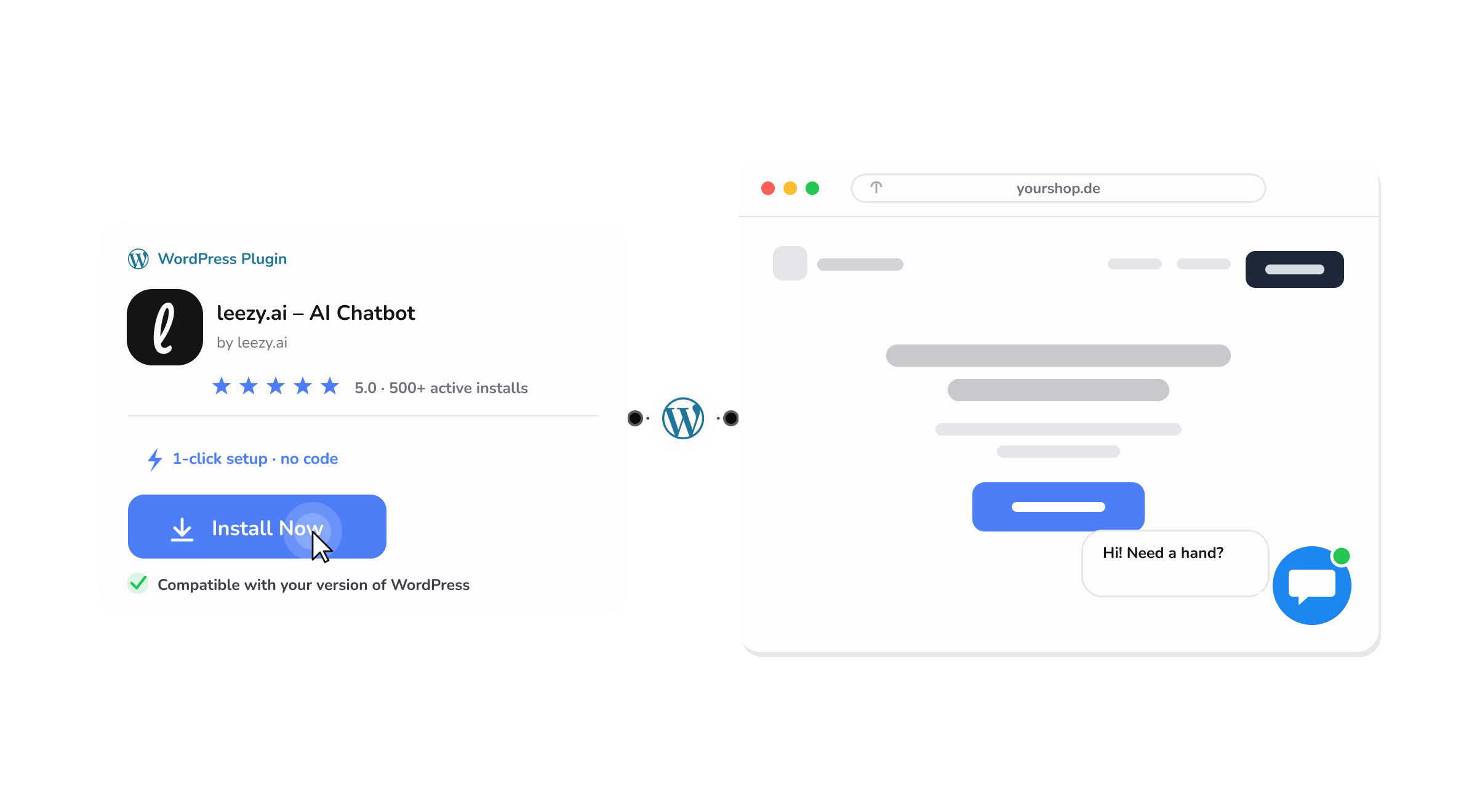
A large share of the sites we help run on WordPress, and a recurring reason good tools never get deployed is the last mile: someone has to add a snippet to the theme, and that turns a five-minute decision into a ticket for a developer who is busy with something else. The tool sits approved but uninstalled, and the value never arrives.
The free Leezy.ai WordPress plugin removes that last mile. You install it from the WordPress admin, paste your chatbot ID, and your AI agent is live on every page. There is no code to touch and no developer to wait for.
Why the install step is the whole battle
It is easy to underestimate how much friction a code snippet creates. Editing a theme file feels risky to anyone who is not a developer, because a wrong paste can break the site. So the task gets handed off, then it waits, and a project that everyone agreed on stalls on a step that should take minutes.
A plugin changes the psychology entirely. Installing from the WordPress directory is a familiar, safe, one-click action that site owners do all the time. Nobody has to open a theme file or understand where a script belongs. The person who decided to add the agent can be the same person who ships it, in the same sitting.
What the plugin does
The plugin is deliberately simple, which is the point:
- Install from the WordPress admin. Find it in the plugin directory, install, and activate, the same way you add any plugin.
- Paste your chatbot ID. One field connects the plugin to the agent you have already built and trained.
- Live on every page. The widget appears across your whole site automatically. You are not adding it page by page.
Once it is live, the agent works the way it does everywhere else. It reads your pages, answers questions grounded in your content, and replies in the customer's language, so a visitor gets a useful answer regardless of which page they landed on.
What a WordPress site owner gets
A decision that ships the same day. The gap between "let's add an AI agent" and "it is live" collapses from a scheduled dev task to a few minutes of self-service.
No dependency on a developer. Marketing, support, or the owner can deploy and manage the agent without a technical gatekeeper. That independence is often what determines whether a tool gets used at all.
Coverage across the whole site. Because the widget loads site-wide, a visitor gets help on a product page, a blog post, or a contact page alike, wherever their question happens to arise.
The same agent everywhere. The WordPress widget is not a lesser version. It is the same agent you can also run on WhatsApp, Slack, or a Shopify store, so a visitor gets consistent answers no matter how they reach you.
Built with data protection in mind
Adding anything to your site raises a fair question about data. The agent is built to be careful here: data is stored in the EU and encrypted in transit and at rest. For teams in Germany and the wider EU, where this is often the first question a stakeholder asks, being able to answer it plainly matters. We are careful to describe this accurately rather than overclaim, and you can read the current details on the WordPress page.
Getting started
If you have already built your agent, adding it to WordPress is the easy part. Install Leezy – AI Chatbot from the official WordPress Plugin Directory, paste your chatbot ID, and confirm the widget appears. The WordPress guide walks through the install, and the documentation covers connecting and configuring the agent.
If you have not built the agent yet, start there. Train it on your site and content, make sure it answers your common questions well, and then install the plugin to put it in front of visitors. You can build the agent for free with no credit card, which means you can go from nothing to a live agent on your WordPress site without a purchase decision in the way.
Frequently asked questions
Do I need a developer to install it? No. You install it from the WordPress admin like any other plugin, then paste your chatbot ID. There is no code to edit.
Does the widget appear on every page? Yes. Once the plugin is active, the widget loads across your whole site automatically.
Is the plugin free? Yes. The plugin is free, and you can build and run an agent on the free plan with no credit card.
Is it the same agent as on other channels? Yes. The WordPress widget runs the same agent you can deploy on other channels, so answers stay consistent wherever a customer reaches you.
Where is my data stored? Data is stored in the EU and encrypted in transit and at rest. The WordPress page has the current details.
If an AI agent has been on your list but stuck behind a developer task, the plugin is the way to unstick it. You can start free, no credit card required, build your agent, and have it live on your WordPress site the same afternoon.